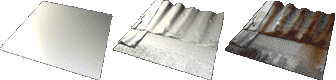
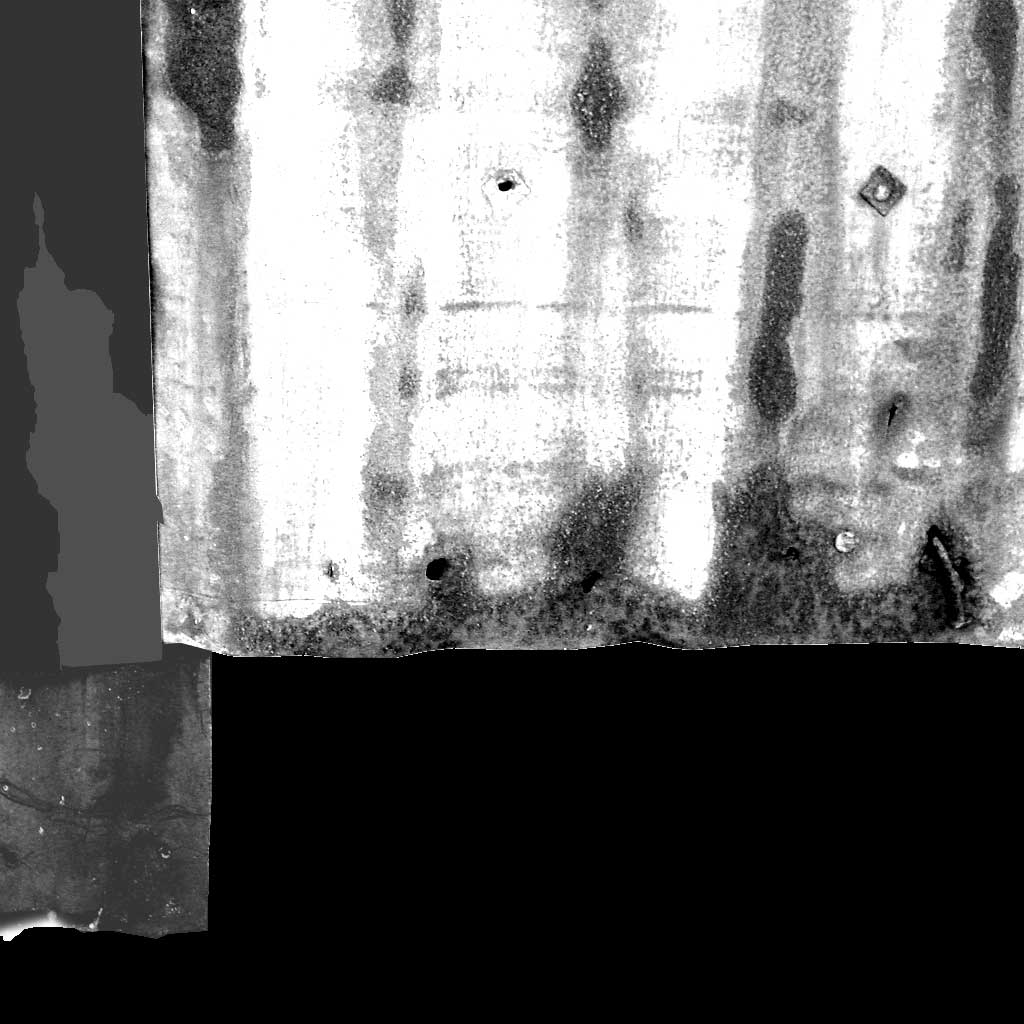
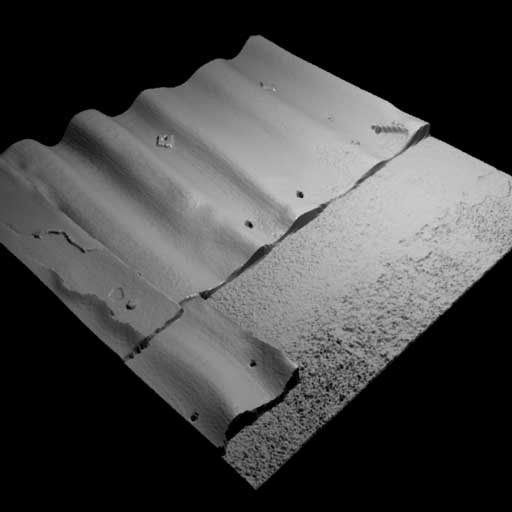
To create the specular map, I needed to modify the color map to make all the metal areas white (100% specular) while keeping the rust and bricks matte. To make the painted metal a little glossy, I needed a mid-range value on the specular map.
Select Color Range lets you select only the reddish areas. Then, invert the selection and use Levels to white it out. |